
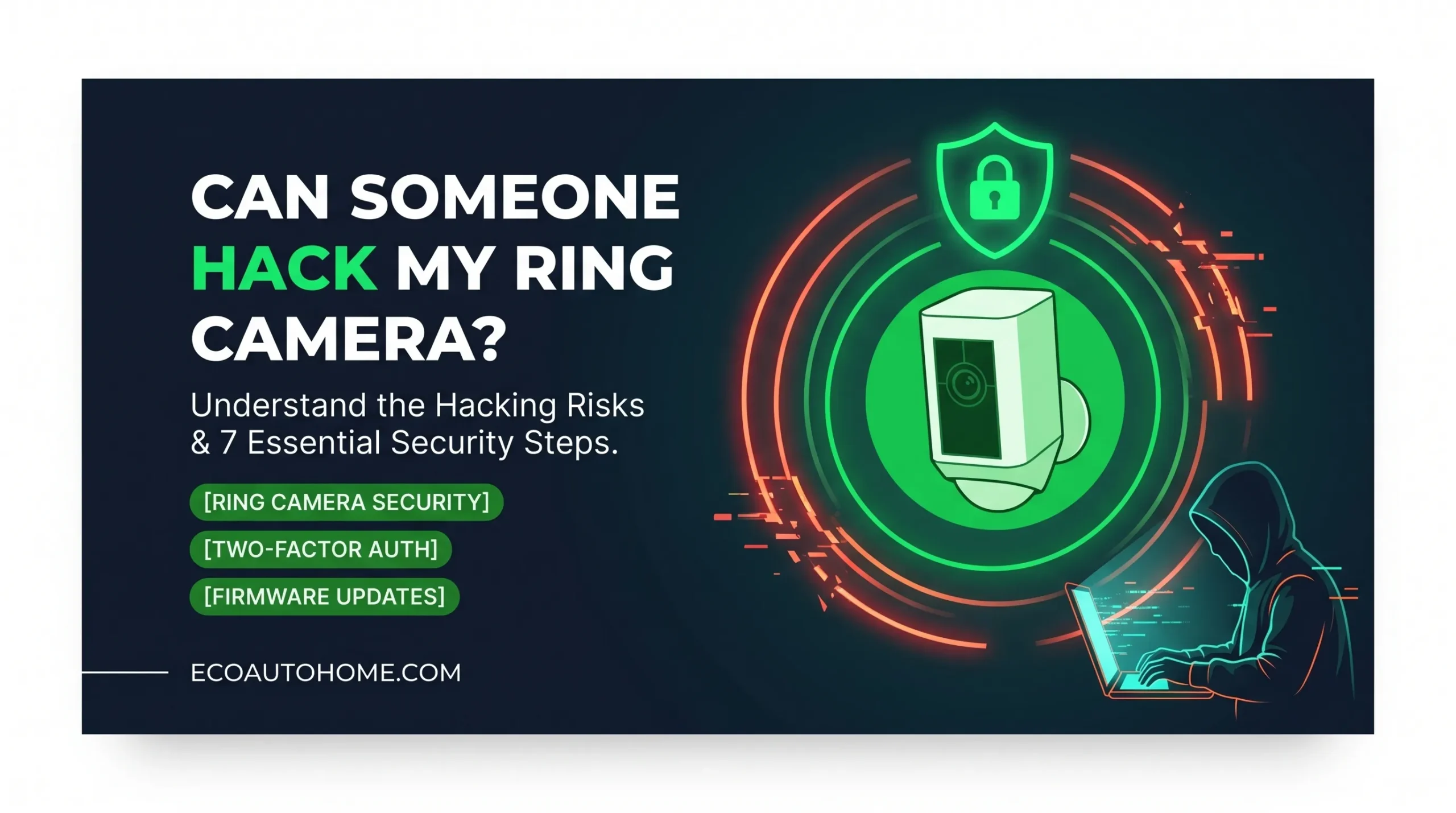
You installed a Ring camera to feel safer. Now you’re wondering if it could be used against you.
That’s not paranoia. That’s a completely reasonable question — because Ring cameras have been hacked, real families have been targeted through them, and the US Federal Trade Commission took Ring to court over it. Understanding what actually happened, how these attacks work, and what you can do to protect yourself is exactly what this guide covers.
The short answer is yes — Ring cameras can be hacked. The longer answer is that the risk is largely preventable if you take the right steps. Let’s get into both.
Has Ring Actually Been Hacked Before?
This isn’t a hypothetical. There are documented real-world incidents where families experienced strangers speaking through their Ring cameras, threatening children, shouting racist abuse, and demanding ransom payments through their own security devices.
In one widely reported case, a mother in Mississippi installed a Ring camera in her daughters’ bedroom to keep an eye on them while she worked overnight shifts. Four days after installation, her eight-year-old daughter heard a voice saying, “I’m Santa Claus. Don’t you want to be my best friend?” The hacker proceeded to taunt the child and encourage her to break things in the room. Her father came upstairs and shut the camera off. The family had not set up two-factor authentication on their account.
Similar incidents were reported across Florida, Texas, and Georgia around the same period. Families were subjected to racial slurs, ransom demands, and threats of physical harm — all delivered through cameras they had installed for their own protection.
In 2023, the Federal Trade Commission charged Ring with failing to implement basic security protections that allowed hackers to take control of accounts and cameras. The FTC found that hackers exploited around 55,000 US customer accounts between 2019 and 2020, gaining access to stored videos, live feeds, and device controls. Ring paid $5.8 million to settle the case and agreed to implement a mandatory privacy and security program for the next 20 years. The FTC confirmed this settlement at ftc.gov, where the full details remain publicly accessible.
This is not ancient history. It is the documented track record of the platform you have installed in or around your home.
How Do Hackers Actually Get Into Ring Cameras?
Here’s the part that surprises most people: Ring’s servers themselves are rarely the entry point. The most common attacks exploit your behaviour, not Ring’s infrastructure.
Credential Stuffing
This is the method behind the majority of documented Ring hacks. Hackers take lists of usernames and passwords leaked from other data breaches — from retail sites, streaming services, social media platforms — and automatically try those same credentials on Ring accounts. If you use the same email address and password on multiple accounts, and any one of those accounts has ever been breached, your Ring account is vulnerable to this attack.
The FTC specifically cited Ring’s failure to protect against credential stuffing as a core failure in their 2023 complaint. Tools for running credential stuffing attacks on Ring accounts were openly advertised on hacking forums, with automated software designed to churn through thousands of stolen credential combinations rapidly.
Brute Force Attacks
Before Ring enforced stronger account security measures, hackers could systematically try millions of password combinations until one worked. Accounts with short, simple, or common passwords were especially vulnerable. Ring failed to implement basic rate limiting — a technical control that slows down repeated failed login attempts — for years despite being warned about this by employees and security researchers.
Weak or Shared Wi-Fi Networks
Your Ring camera connects to your home Wi-Fi. If your router uses a weak password, runs outdated firmware, or sits on a publicly accessible network, an attacker who gets onto your network gains potential access to every device connected to it — including your Ring. In at least one documented case, a hacker in Florida accessed a Ring camera by first breaking into the home’s Wi-Fi network.
Unsecured Shared Access
Ring allows you to share access to your cameras with other users. If someone you previously trusted — a former partner, a past housemate, a family member you no longer speak to — still has shared access to your Ring account, they can view your live feed right now without you knowing. This is not technically a hack, but the result is identical: someone is watching through your camera without your current consent.
Signs Your Ring Camera May Have Been Compromised
You may not know immediately if your camera has been accessed. But there are warning signs worth knowing.
The clearest sign is unexpected sounds — voices, music, or audio coming from your camera when nobody in your household is operating it. This is how most families discovered they were being watched.
Unfamiliar devices appearing in your Ring account’s Control Center under Authorised Client Devices is another red flag. If you see logins from devices you don’t recognise, at times you weren’t using the app, or from locations far from your home, your account may have been accessed by someone else.
If your Ring password was changed without your action, or if you receive login notification emails for sessions you didn’t initiate, treat these as urgent alerts. Act immediately.
7 Steps to Secure Your Ring Camera Right Now
These are not optional extras. Every one of these steps directly addresses a documented attack vector.
Step 1 — Enable Two-Factor Authentication
This is the single most important thing you can do. Two-factor authentication means that even if someone has your correct email and password, they still cannot access your account without a second verification code sent to your phone.
To turn it on: open the Ring app, tap the menu icon in the top-left corner, go to Account, then Enhanced Security, and select Two-Factor Authentication. Turn it on and follow the prompts. Ring supports both SMS codes and authenticator apps. An authenticator app — such as Google Authenticator or Authy — is more secure than SMS, because SMS codes can be intercepted through SIM-swapping attacks.
Ring made two-factor authentication mandatory for all new accounts from February 2020 onward. If you created your account before that date and have not manually enabled it, it may not be active.
Step 2 — Use a Strong, Unique Password for Ring Only
Your Ring password must be different from every other password you use. This single step eliminates credential stuffing as an attack vector entirely. A hacker who has your Netflix password should not also be able to get into your Ring account.
Use a password manager to generate and store a strong password — at least 12 characters, combining uppercase, lowercase, numbers, and symbols. You do not need to remember it. The password manager does that for you.
If you have ever used your Ring password on any other site or service, change it today.
Step 3 — Enable End-to-End Encryption
Ring rolled out end-to-end encryption in 2021 and expanded it across all compatible devices. When end-to-end encryption is enabled, your camera footage is encrypted in a way that only you can view — not Ring employees, not Ring’s contractors, and not anyone who intercepts the data stream.
To enable it: open the Ring app, go to Control Center, select Video Encryption, then Advanced Settings, and toggle on End-to-End Encryption. You will be given a security key — store this somewhere safe, such as your password manager. If you lose this key, you lose access to your encrypted footage.
Step 4 — Audit Who Has Access to Your Account
Open the Ring app and go to Control Center, then Authorised Client Devices. Review every device and every shared user listed there. Remove any device you do not recognise. Remove any shared user who should no longer have access.
Do this regularly — not just once. Relationships and living situations change. Your Ring account access list should reflect your current household, not your history.
Step 5 — Put Your Ring Camera on a Separate Wi-Fi Network
Most modern routers allow you to create a guest network — a separate Wi-Fi network that operates independently from your main home network. Connecting your Ring camera and other smart home devices to this guest network means that if your camera is ever compromised, the attacker cannot use it as a stepping stone to reach your laptops, phones, or other devices on your main network.
This is called network segmentation, and it is one of the most effective structural defences you can implement for your entire smart home. It does not require advanced technical knowledge — most router apps walk you through setting up a guest network in a few minutes.
Step 6 — Keep Firmware Updated
Ring pushes firmware updates to cameras automatically in most cases. However, it is worth confirming that your camera is running the latest firmware version, particularly if you have disabled automatic updates or if your camera has been offline for a period. Outdated firmware may contain security vulnerabilities that have been patched in newer versions.
You can check your device firmware version in the Ring app under Device Health.
Step 7 — Review Your Privacy Zones
Ring allows you to define Privacy Zones — areas within the camera’s field of view that will not be recorded or stored. If your camera captures areas outside your property, such as a neighbour’s window or a public footpath, setting privacy zones protects both your privacy and your legal compliance.
This does not prevent hacking, but it limits what a potential hacker could access if they did breach your account.
What Ring Has Changed Since the FTC Settlement
It is fair to acknowledge that Ring has made meaningful improvements since the incidents that led to the FTC action. End-to-end encryption is now available and actively promoted. Two-factor authentication is now mandatory for new accounts. The company has implemented stricter controls over employee and contractor access to customer footage, and is required to maintain a comprehensive data security programme for 20 years under the terms of the FTC settlement.
The platform today is more secure than it was in 2019 and 2020. That said, the improvements protect you from Ring’s own internal failings. They do not protect you from your own weak password or from skipping two-factor authentication. The security of your Ring camera in 2026 still depends significantly on the choices you make in the app.
If you want to understand how smart home security fits into a broader home setup and what to look for when choosing cameras with genuinely private local storage, our guide on Best Security Cameras Without Subscriptions is a useful next read.
FAQ
Can Ring cameras be hacked without Wi-Fi?
Ring cameras require Wi-Fi to function and to be accessed remotely. Without an active internet connection, there is no remote access pathway for an attacker. However, someone who has your Ring account credentials and access to any internet connection — not necessarily your home Wi-Fi — can still access your account remotely and view footage stored in the cloud. Securing your account with two-factor authentication and a strong unique password protects against this regardless of your network.
How do I know if my Ring camera has been hacked?
The clearest signs are voices or audio coming from the camera when you are not operating it, unfamiliar devices appearing in your Ring account’s Authorised Client Devices list, login notifications for sessions you did not initiate, or a password change you did not make. If you suspect a breach, change your password immediately, enable two-factor authentication if not already active, remove all unrecognised devices from your account, and review your shared users list.
Does two-factor authentication completely prevent Ring hacks?
Two-factor authentication eliminates credential stuffing and brute force attacks — the two most common methods used in documented Ring hacks. It does not protect against someone who physically has your phone and is able to receive your SMS verification codes, or against vulnerabilities in Ring’s own systems. Combined with a strong unique password and end-to-end encryption, two-factor authentication makes your account extremely difficult to access without your knowledge.
Is it safe to put a Ring camera inside your home?
It can be, with the security measures in this guide fully enabled. However, the documented hacking incidents predominantly involved cameras placed inside private spaces — bedrooms and children’s rooms specifically. If you place cameras inside your home, ensuring your account security is airtight is especially important. Many security professionals recommend keeping indoor cameras in common areas rather than private sleeping spaces, and using the privacy zone feature to limit what is recorded.
What should I do if my Ring account was hacked?
Change your password immediately to a strong, unique one. Enable two-factor authentication if it is not already on. Go to Control Center in the Ring app and remove every device under Authorised Client Devices — then log back in on only your own devices. Remove any shared users you do not recognise. Enable end-to-end encryption. Report the incident to Ring support. If you believe a crime was committed — such as harassment or threats made through your camera — report it to your local police department.
The Bottom Line
Yes — Ring cameras can be hacked, and it has happened to real people in documented cases that reached the FTC and federal court. The good news is that the vast majority of these attacks exploited one of two things: reused passwords or the absence of two-factor authentication. Both of those are entirely within your control to fix right now, in under ten minutes.
Enable two-factor authentication. Set a strong, unique password for your Ring account. Turn on end-to-end encryption. Audit who has access. Put your cameras on a separate network.
Do those five things today and you have addressed every major attack vector in the documented history of Ring camera breaches. Your camera was installed to protect your home. Make sure it actually does.
For more practical smart home guides built around honesty, accuracy, and real-world testing, explore EcoAutoHome — straightforward advice for building a smarter, safer home.




One Comment