
You’ve probably heard it before. Someone tells you that leaving your phone charger plugged in is costing you money — wasting electricity every hour of every day, silently running up your bill. And because it sounds plausible, you start unplugging chargers every time you leave the room.
Here’s the honest answer: yes, leaving chargers plugged in uses electricity. But the amount is so small that obsessing over phone chargers while ignoring the actual energy vampires in your home is one of the least efficient ways to reduce your electricity bill.
This guide breaks down exactly what’s happening when chargers draw power with nothing attached, gives you the real numbers from laboratory testing, and tells you where to focus your energy-saving efforts for the biggest actual impact — including the devices that are genuinely costing you serious money while sitting there looking innocent.
What Actually Happens When You Leave a Charger Plugged In
Modern phone and laptop chargers are switching-mode power supplies. Their job is to convert the 120-volt AC electricity from your wall outlet into the lower-voltage DC electricity your devices need to charge. When you plug a charger into the wall without a device attached, it still maintains this conversion circuit in a ready state — drawing a small trickle of current to stay prepared.
This state is called no-load mode — and it is technically a form of phantom power or vampire draw. The charger is consuming electricity to do absolutely nothing useful.
Here’s where it gets important though: the amount is genuinely tiny.
Research from the Lawrence Berkeley National Laboratory measured actual charger wattage in no-load mode across multiple device types. A quality phone charger in no-load mode draws approximately 0.1 to 0.3 watts. A laptop charger in no-load mode draws around 0.5 to 4.5 watts depending on the model and its rated output.
You can confirm this yourself with a simple physical test. Grab the charger you left plugged in for the past few hours. If it feels warm — even faintly — it’s drawing power. If it’s completely cold to the touch, it’s drawing so little that the thermal conversion is essentially undetectable.
The Real Numbers: What Leaving Chargers Plugged In Costs You
Let’s put actual dollar figures on this using the US average electricity rate of approximately 17.65 cents per kilowatt-hour, based on EIA data from April 2026.
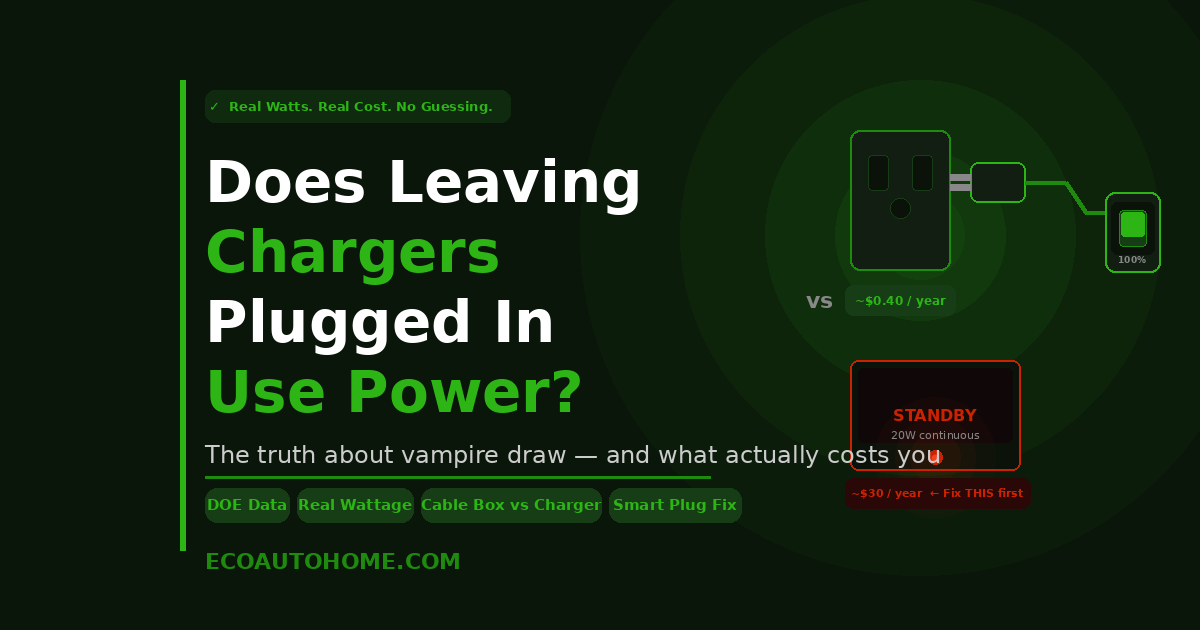
Phone charger — no device attached (0.26 watts): Running 24 hours a day, 365 days a year: 2.3 kilowatt-hours annually. At 17.65 cents per kWh — that’s about 40 cents per year.
Laptop charger — no device attached (4.42 watts, Berkeley Lab data): Running 24 hours a day, 365 days a year: 38.7 kilowatt-hours annually. At 17.65 cents per kWh — that’s about $6.83 per year.
Phone charging with a fully charged phone still connected (~2.24 watts): This one surprises people. A fully charged phone left plugged in still draws roughly 2.24 watts — about 60% of its active charging wattage. Running continuously: 19.6 kilowatt-hours per year — around $3.46 per year.
A household with five phone chargers all left plugged in empty all year would pay approximately $2 in total. Add a laptop charger to the mix and you’re at around $9 per year for all of them combined.
That is genuinely not a meaningful amount of money. For reference, running a single 10-watt LED light bulb continuously for the same year costs $15.45. A single phone charger left plugged in costs 40 cents. You would need more than 38 phone chargers constantly in no-load mode to equal one LED bulb running around the clock.
So Why Does “Vampire Power” Get So Much Attention?
Because the concept is real — it’s just commonly pointed at the wrong devices.
The US Department of Energy documents that standby power accounts for 5 to 10% of total residential energy consumption, potentially costing the average US household up to $183 per year. The Natural Resources Defense Council estimates devices in standby mode cost Americans $19 billion annually as a nation.
Those numbers are accurate. The problem is that most of that standby cost doesn’t come from phone chargers. It comes from the devices sitting around your home that draw ten to thirty times as much power in standby as any charger.
Here’s the actual data on which devices are drawing significant standby power:
Cable box or DVR: 15 to 30 watts continuously — even at 3am when nobody is watching. That’s the equivalent of leaving a small lamp on around the clock. A cable box drawing 20 watts continuously costs around $30 per year in standby alone.
Gaming console in rest mode: 10 to 15 watts. A PlayStation or Xbox left in rest mode rather than fully powered off draws enough power to cost $15 to $24 per year while doing nothing.
Desktop computer in sleep mode: 2 to 10 watts. At the higher end, that’s around $15 per year from a computer that you think is “off.”
Smart TV in standby: 2 to 5 watts. Better than a cable box, but still running continuously and still adding to your bill.
Wireless charging pad — no device sitting on it: 1 to 3 watts continuously. This is the charger type worth actually worrying about. A wireless pad left plugged in with no device draws 6 to 10 times more power than a wired phone charger in no-load mode — costing $1.50 to $4.60 per pad per year in standby alone.
The takeaway is clear: a phone charger left plugged in costs you cents. A cable box, a gaming console, or a desktop computer left in standby costs you dollars — often $15 to $30 per device per year, running constantly in the background of your electricity bill.
The Real Vampire Draw Problem: Your Entertainment Centre
This is where the energy conversation should actually be focused for most households.
A typical living room entertainment setup — TV, cable box, streaming stick, soundbar, gaming console — can draw 40 to 80 watts in combined standby. That entire cluster of devices is running continuously, every hour of every day, including all the hours you’re asleep and all the hours you’re at work.
At a combined 60 watts standby: 525 kilowatt-hours per year. At the 2026 US average rate — that’s $92.66 per year draining out of your entertainment centre while everyone is asleep.
That number is not theoretical. It reflects a real, measurable, ongoing cost in millions of US homes right now. And it’s a cost that most people have never thought about because the devices look off.
The same applies to home office setups. A desktop computer in sleep mode, a monitor that isn’t fully powered off, a printer maintaining its ready state, a router drawing continuous power — all of these add up to a meaningful standby load that runs 24 hours a day regardless of whether you’re using any of it.
Where to Actually Focus Your Energy-Saving Efforts
Given the real numbers above, here’s the honest priority list for addressing vampire draw in your home — ranked by actual impact on your electricity bill.
Priority 1 — Entertainment centre: This is your biggest target. A smart power strip connected to your TV, console, and soundbar lets you cut power to all of them with one switch when the evening’s viewing is done. When the TV goes to standby, the smart strip detects the reduced load and cuts power to the peripheral devices automatically. No standby. No overnight drain.
Priority 2 — Gaming console: If you have a PlayStation or Xbox set to rest mode for automatic updates, consider whether those updates genuinely need to happen overnight. Disabling rest mode and powering the console fully off when not in use eliminates 10 to 15 watts of continuous draw.
Priority 3 — Home office: A power strip under your desk that powers your monitor, printer, speakers, and desk lamp cuts the entire setup’s standby load with one button. Your computer and router should stay on — but everything else can be fully cut between uses.
Priority 4 — Wireless charging pads: Unlike wired chargers, wireless pads draw meaningful standby power even with nothing on them. If you’re not actively charging something, unplugging a wireless pad or putting it on a smart plug that powers down on a schedule is worth doing.
Priority 5 — Phone and laptop chargers: Yes, they draw power when nothing is attached. No, it’s not enough to make a meaningful difference to your bill. Unplugging them is a fine habit to develop — but treat it as a distant fifth priority behind everything above.
Smart Plugs: The Practical Solution for Everything
The most effective way to eliminate standby waste without building new habits around unplugging individual devices is to put the right things on smart plugs and let automation do the work.
A smart plug connected to your entertainment centre, set to a schedule that cuts power at midnight and restores it at 6am, eliminates six hours of standby draw every night automatically. You never think about it. The savings just happen.
A smart plug with energy monitoring — like the Kasa EP25 or the Wyze Smart Plug — shows you exactly how many watts each device draws in real time. This is how you discover that the old cable box you forgot about is drawing 22 watts continuously, or that your printer in sleep mode is pulling 8 watts around the clock. Those discoveries drive meaningful action on the devices that actually matter.
The Kasa four-pack brings the per-plug cost down to around $7 to $8. At that price, a single plug eliminating the overnight standby drain of a gaming console pays back its cost within a few months and then generates consistent savings for years. That’s a compelling return for something that requires zero ongoing effort after setup.
For a full breakdown of which smart plugs are worth buying, which certifications actually matter for safety, and which cheap options should be avoided entirely, our guide on Are Cheap Amazon Smart Plugs a Fire Risk covers everything you need to know before buying.
FAQ
Do phone chargers use electricity when nothing is plugged into them?
Yes — but the amount is extremely small. Quality phone chargers in no-load mode draw approximately 0.1 to 0.3 watts, based on measurements from the Lawrence Berkeley National Laboratory. At the 2026 US average electricity rate, one phone charger left plugged in empty all year costs around 40 cents. Five chargers left plugged in all year costs under $2. The cost is real but negligible compared to other standby devices in your home.
What uses the most standby electricity in a typical home?
Cable and satellite boxes are among the worst offenders, typically drawing 15 to 30 watts continuously even when not in use. Gaming consoles in rest mode draw 10 to 15 watts. Desktop computers in sleep mode draw 2 to 10 watts. Entertainment centres as a whole — TV, cable box, soundbar, gaming console combined — can draw 40 to 80 watts in standby, costing $60 to $125 per year in electricity while nobody is watching anything.
Is it worth unplugging chargers to save electricity?
Not as your primary energy-saving strategy. Unplugging phone chargers saves cents per year per charger. Addressing your entertainment centre’s standby load, disabling gaming console rest mode, or putting your home office setup on a smart power strip saves dollars to tens of dollars per year per device. Focus your effort where the numbers actually move your bill.
What is vampire power and how much does it cost nationally?
Vampire power — also called phantom power or standby power — is the electricity drawn by devices that are plugged in but not in active use. The US Department of Energy documents that standby power accounts for 5 to 10% of total residential energy use, potentially costing the average US household up to $183 per year. The Natural Resources Defense Council estimates the national cost at around $19 billion annually. The majority of this cost comes from always-on appliances and entertainment electronics, not from phone chargers.
Do wireless charging pads waste electricity when empty?
Yes — and more than most people realise. Wireless charging pads draw 1 to 3 watts continuously in standby, even with no device placed on them. That’s 6 to 10 times more than a quality wired phone charger in no-load mode. If you have multiple wireless pads — a desk pad, a bedside pad, one in the kitchen — left plugged in constantly, the combined standby draw is meaningful enough to be worth addressing with a smart plug on a schedule.
Should I unplug my laptop charger when not charging?
More so than a phone charger, but still not urgently. Laptop chargers in no-load mode draw approximately 0.5 to 4.5 watts depending on the model — meaningfully more than phone chargers but still modest in isolation. A laptop charger drawing 4.5 watts in no-load mode all year costs around $7. If you’re building good habits around unplugging, start with the laptop charger and wireless pads before worrying about phone chargers.
The Bottom Line
Leaving chargers plugged in does use electricity. But the amount — fractions of a watt for a phone charger, a few watts for a laptop charger — is so small that focusing on it while ignoring the genuine energy vampires in your home is like fixing a dripping tap while a garden hose runs in the background.
Your cable box, gaming console, entertainment centre, and home office setup are collectively drawing dozens of watts around the clock, every hour you’re asleep, every hour you’re at work, every hour nobody is using them. That’s where your money is going. That’s where smart plugs, power strips, and simple schedule-based automation deliver real, measurable returns.
Unplug your chargers if it gives you peace of mind. But put a smart power strip on your entertainment centre first. That single change will save more money in a week than unplugging every phone charger in your home saves in a year.
For more practical smart home guides that cut through the noise and focus on what actually saves money, explore EcoAutoHome.